5 Essential Tips for Safely Downloading Files in 2026
Stay safe while downloading in 2026 with five simple tips that protect you from malware, fake links, and dangerous files when using services like Premiumlink.
Downloading files is a normal part of daily life in 2026, but unsafe downloads can still cause big problems: malware, stolen data, and slow or broken devices. The good news is that a few simple habits can make your downloads much safer, even if you are not a tech expert.
1. Download Only from Trusted Sources
Always think about where the file comes from before you click download. Official websites, well-known brands, and trusted communities are usually safe. Be careful with links from random forums, social media comments, or unknown emails.
2. Use Antivirus and Scan Your Files
Use a modern antivirus tool and keep it updated. Most antivirus programs in 2026 can scan files in real time. After downloading an important file, run a quick scan before opening it. This extra step can save you from serious problems.
3. Check File Names and Extensions
Look closely at the file name and extension. A document should usually end with .pdf, .docx, or .xlsx, not .exe. If a video claims to be a movie but ends with .zip or .scr, it could be a trap. When something looks strange, do not open it.
4. Use Premiumlink to Avoid Sketchy Download Pages
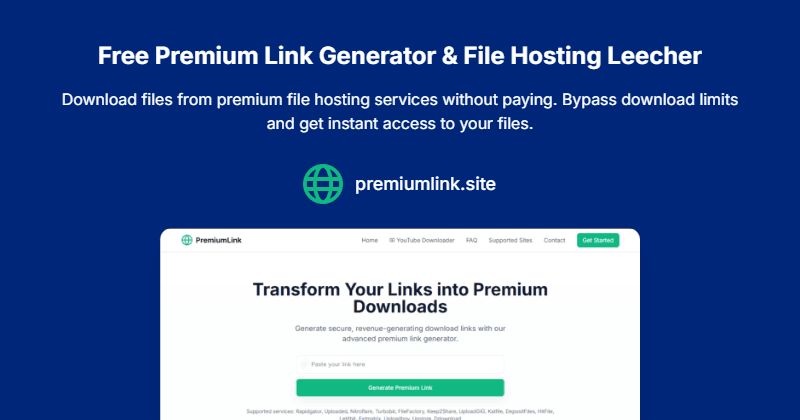
Many file hosts are full of fake buttons and confusing ads. By using a premium link generator like Premiumlink, you reduce direct contact with these risky pages. You paste your link once, generate a clean premium link, and download in a more controlled environment.
5. Keep Your System and Browser Updated
Security holes in old software are a common way for malware to enter your device. Make sure your operating system, browser, and security tools install updates automatically. These patches close known weaknesses and help keep attackers out.
Bonus Tip: Back Up Important Files
Even with good habits, problems can still happen. Regular backups to an external drive or cloud storage mean you will not lose everything if a bad file damages your system.
Quick Safety Checklist for 2026
- Do I trust the website or person sharing this file?
- Does the file extension match the type of file I expect?
- Have I scanned the file with antivirus?
- Can I use Premiumlink instead of clicking random download buttons?
If you follow these steps, you can keep enjoying fast, convenient downloads in 2026 while staying safe.